No account wall
Core tracking works without a mandatory in-app account
That matters if you want a lower-friction, more private tracking experience than a typical account-first app.
GLPzy is designed for people who want doses, weight, symptoms, reminders, nutrition, and photos in one private iPhone and iPad app without a mandatory in-app account.
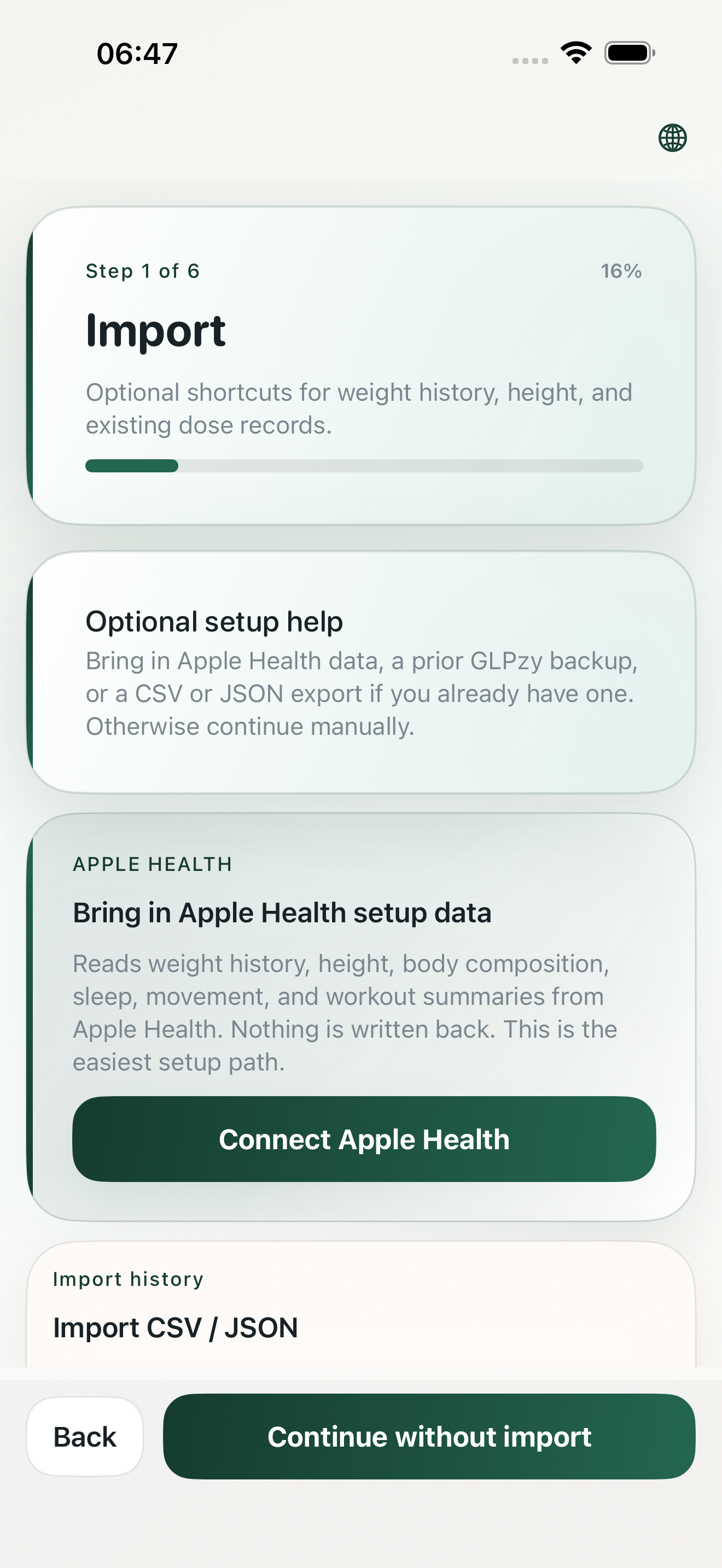
That matters if you want a lower-friction, more private tracking experience than a typical account-first app.
GLPzy is designed around local-first records, with exports, local backups, and device transfer options when you need them.
The website is written to match the actual app posture instead of leaving privacy and safety details buried in app-store metadata alone.
GLPzy is a local-first GLP-1 tracker. Core tracking works without a mandatory in-app account. Your records are kept on your device unless you export, share or restore a local backup. Optional Apple Health support is read-only and does not write data back.
You do not need to create an in-app account to record doses, weight, symptoms, reminders or photos.
Exports and local backups are user-directed. You choose when to create a file, share it or restore it.
Safety boundary: Estimated Exposure is a personal tracking estimate, not measured blood concentration and not medical advice. Do not use Estimated Exposure to guide dosing. Always check with your clinician before making medical decisions. Read the medical safety page.
| App name | GLPzy |
|---|---|
| Platform | iPhone and iPad |
| Category | Private GLP-1 tracking app |
| Tracks | doses, dose reminders, injection sites, weight, symptoms, appetite, nutrition, notes, progress photos, optional read-only Apple Health context |
| Account requirement | No mandatory in-app account is required for core tracking. |
| Privacy posture | Local-first. Records stay on the device unless the user exports, shares or restores a local backup. |
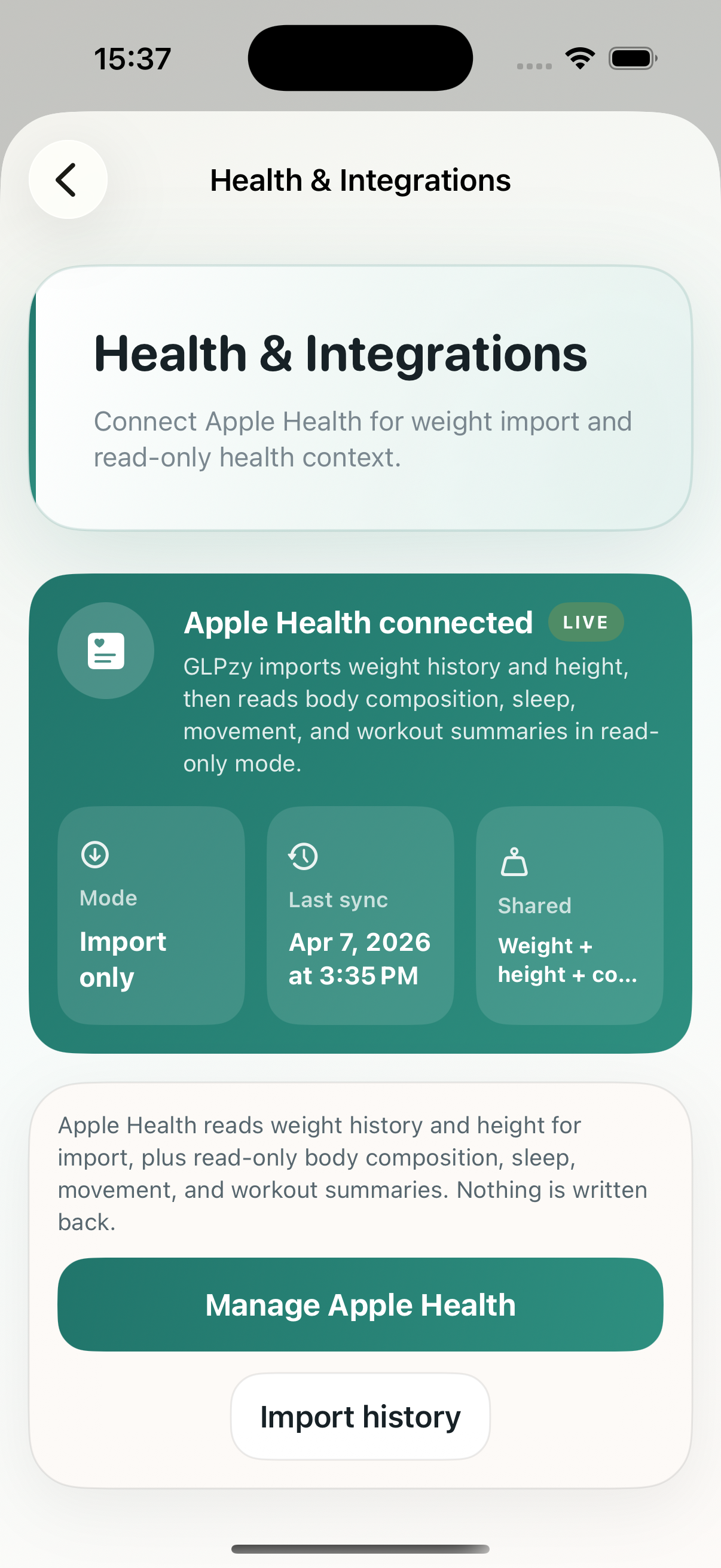
| Apple Health scope | Apple Health support is optional and read-only. With permission, GLPzy can read weight, height, glucose, body composition, movement, workouts and nutrition context. GLPzy does not write data back to Apple Health. |
| Export formats | CSV and JSON for core records. Premium adds deeper summaries and clinician-ready PDF summaries. |
| Medical boundary | Personal tracking only. GLPzy is not medical advice, not a dosing guide, not a medical device and not a substitute for a qualified clinician. |
| App Store link | GLPzy on the App Store |
Reviewed 16 July 2026. Published by GLPzy.
Official medicine information is linked for reference. GLPzy does not replace product information, prescribing instructions or advice from a qualified clinician.
No mandatory in-app account is required for core tracking.
Local-first. Records stay on the device unless the user exports, shares or restores a local backup.
No. Apple Health support is optional and read-only.
CSV and JSON for core records. Premium adds deeper summaries and clinician-ready PDF summaries.
Local backup and restore are user-directed tools.
Use the privacy, data rights and support pages linked on this site.